Plan the race.Run the session.Review every lap.
Delta Negative brings fuel strategy, car setups, live spotting, replays, result analysis and an in-game HUD into one desktop app for Le Mans Ultimate.
Free to use, with no account. Your setups, telemetry, history and replays stay on your PC.
One app for the whole race weekend.
Getting ready, being in the session, and going back through what happened. Open any of them to see the real screens.
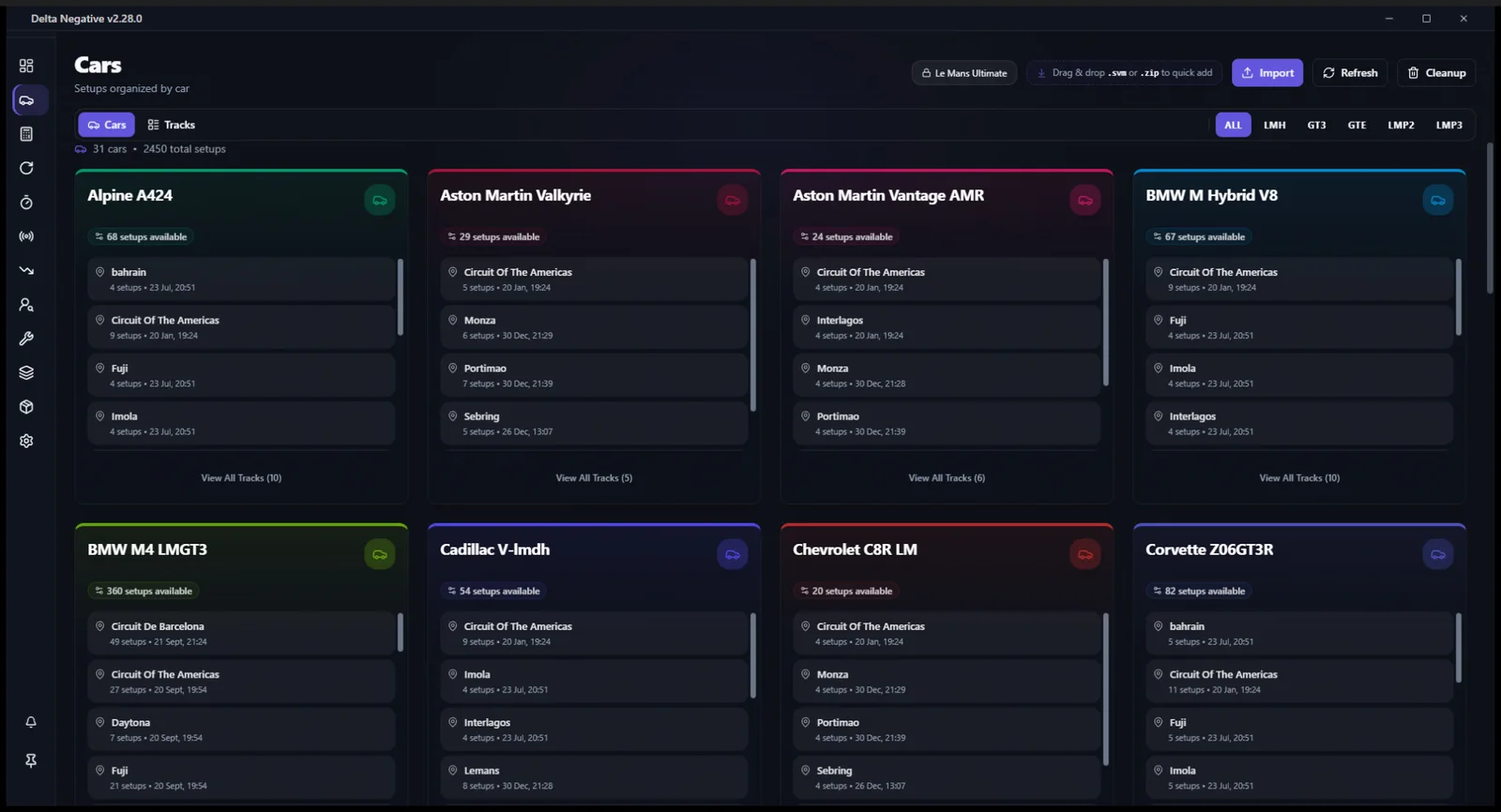
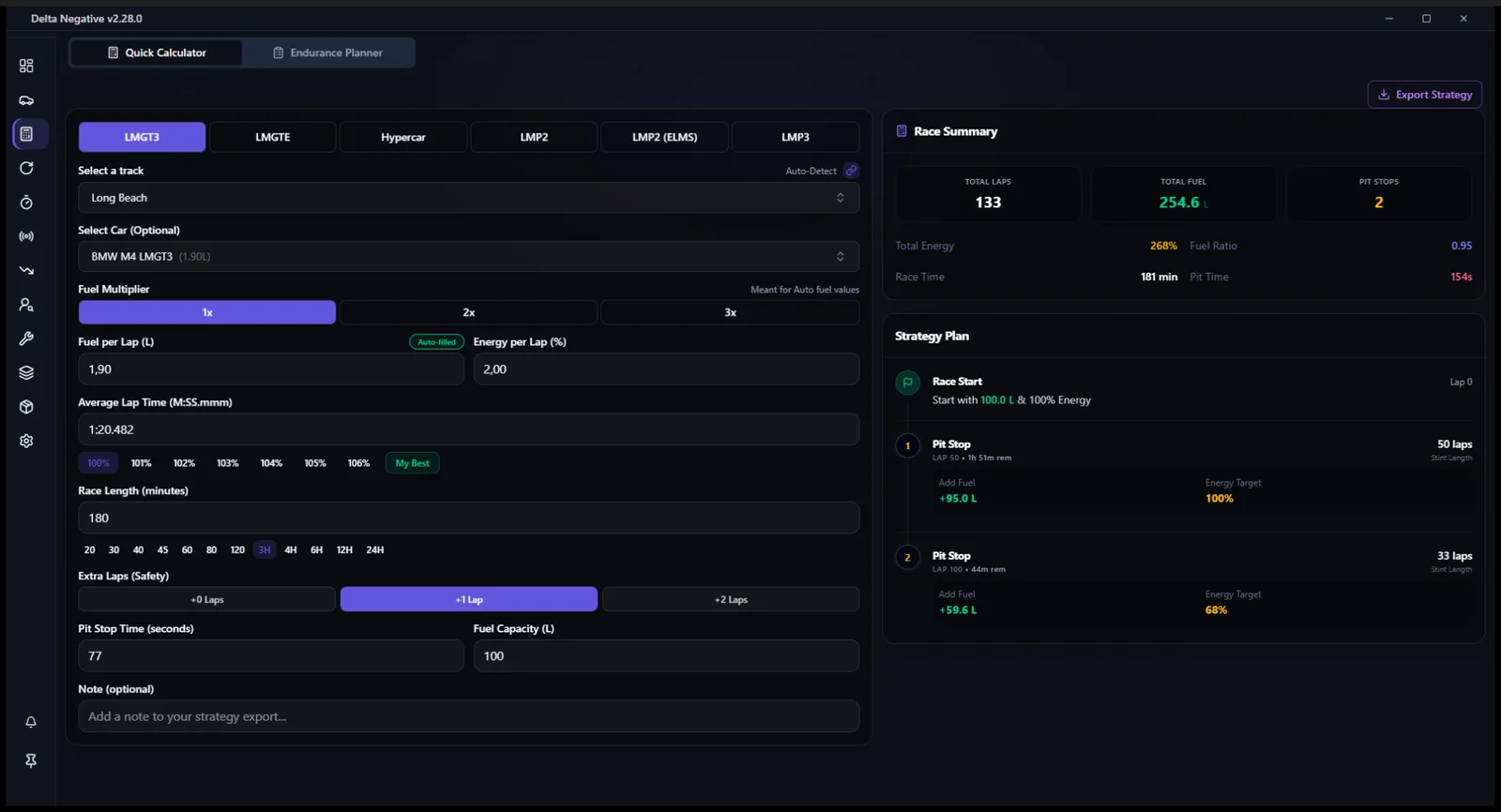
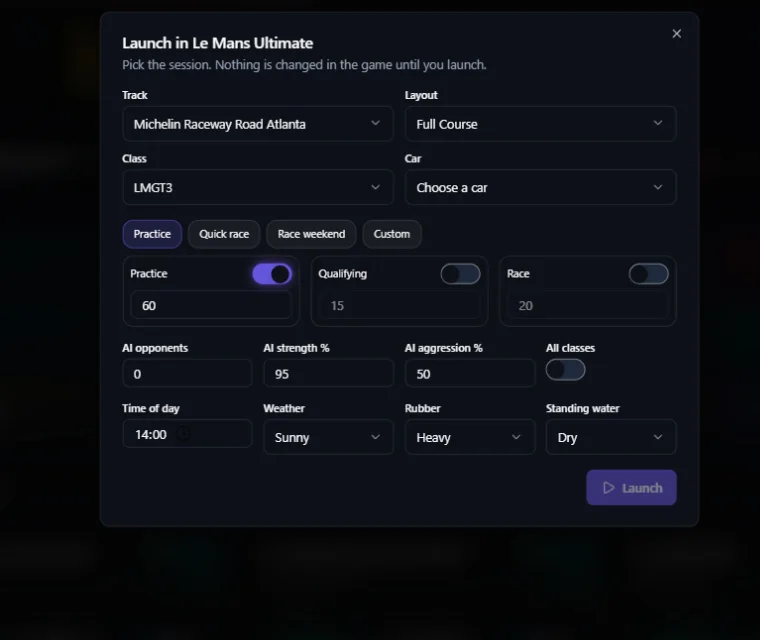
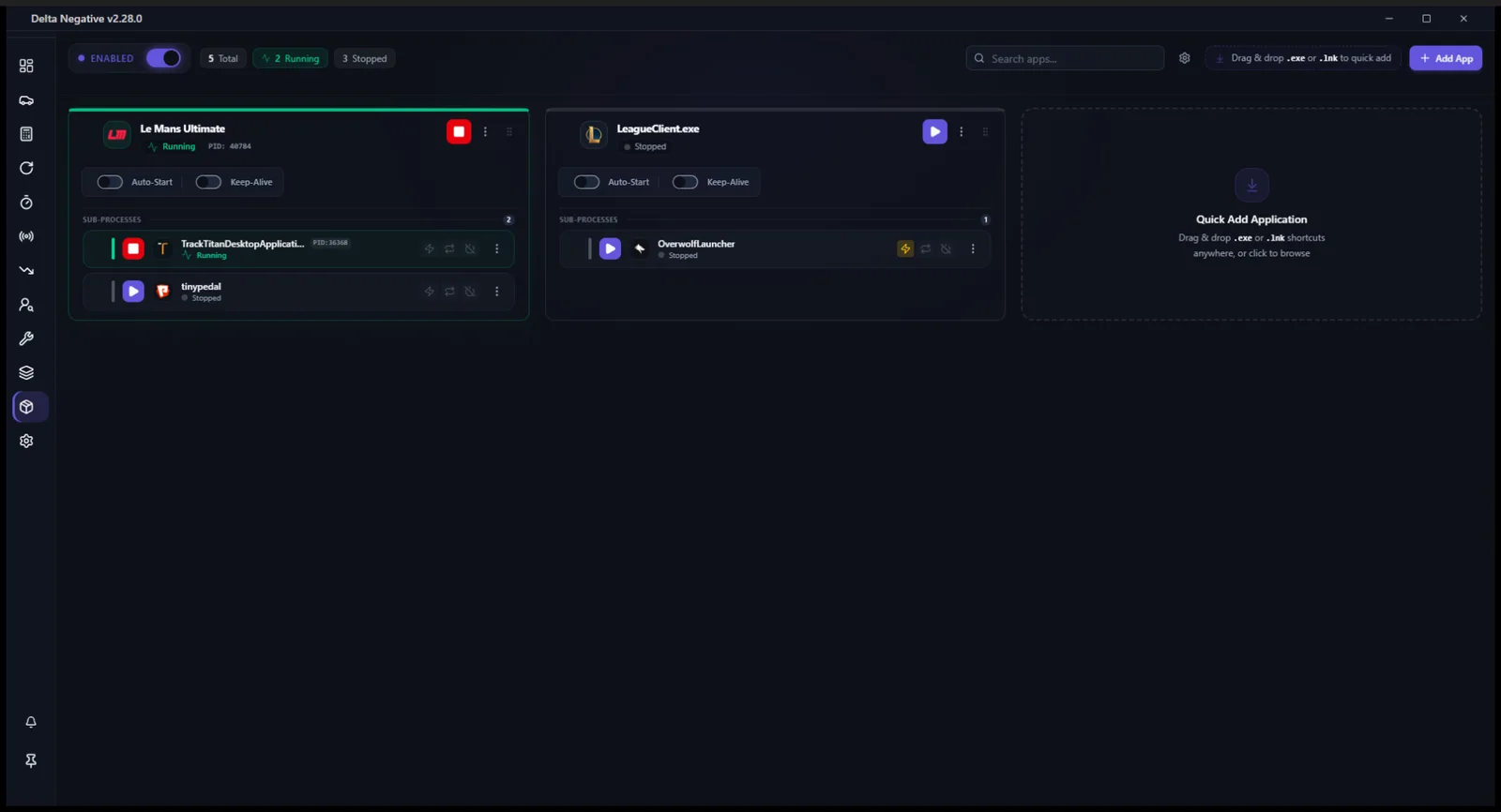
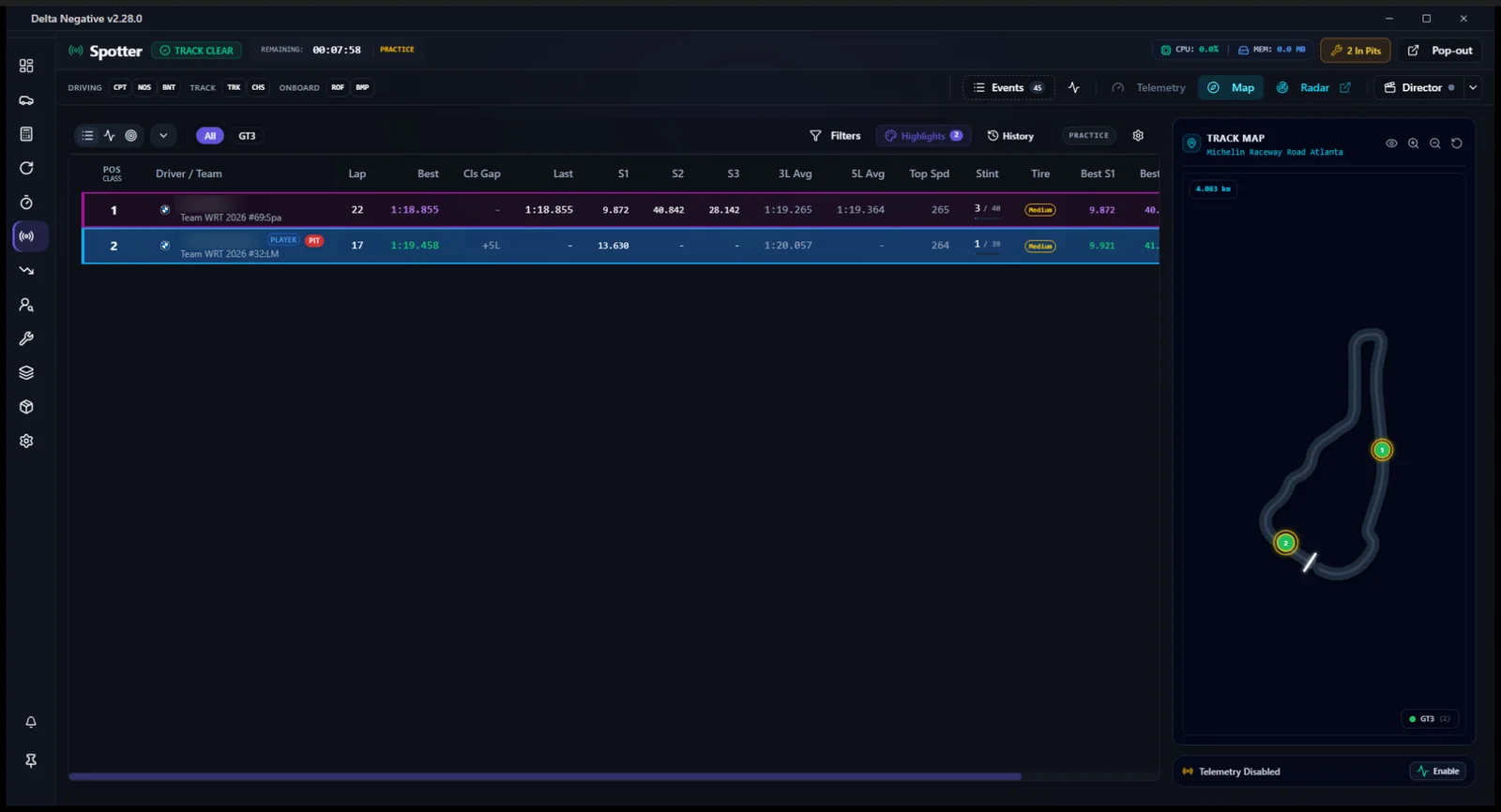
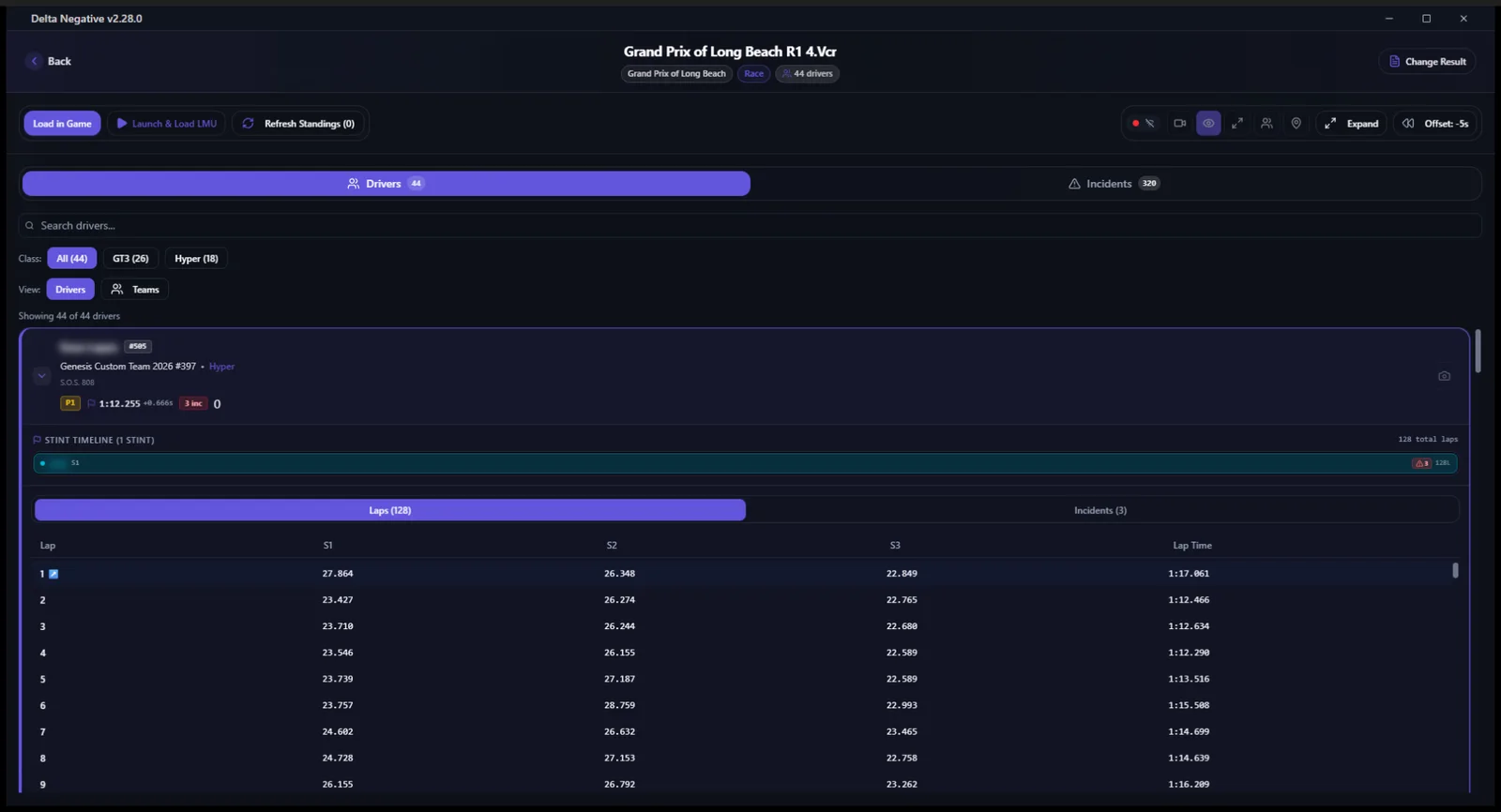
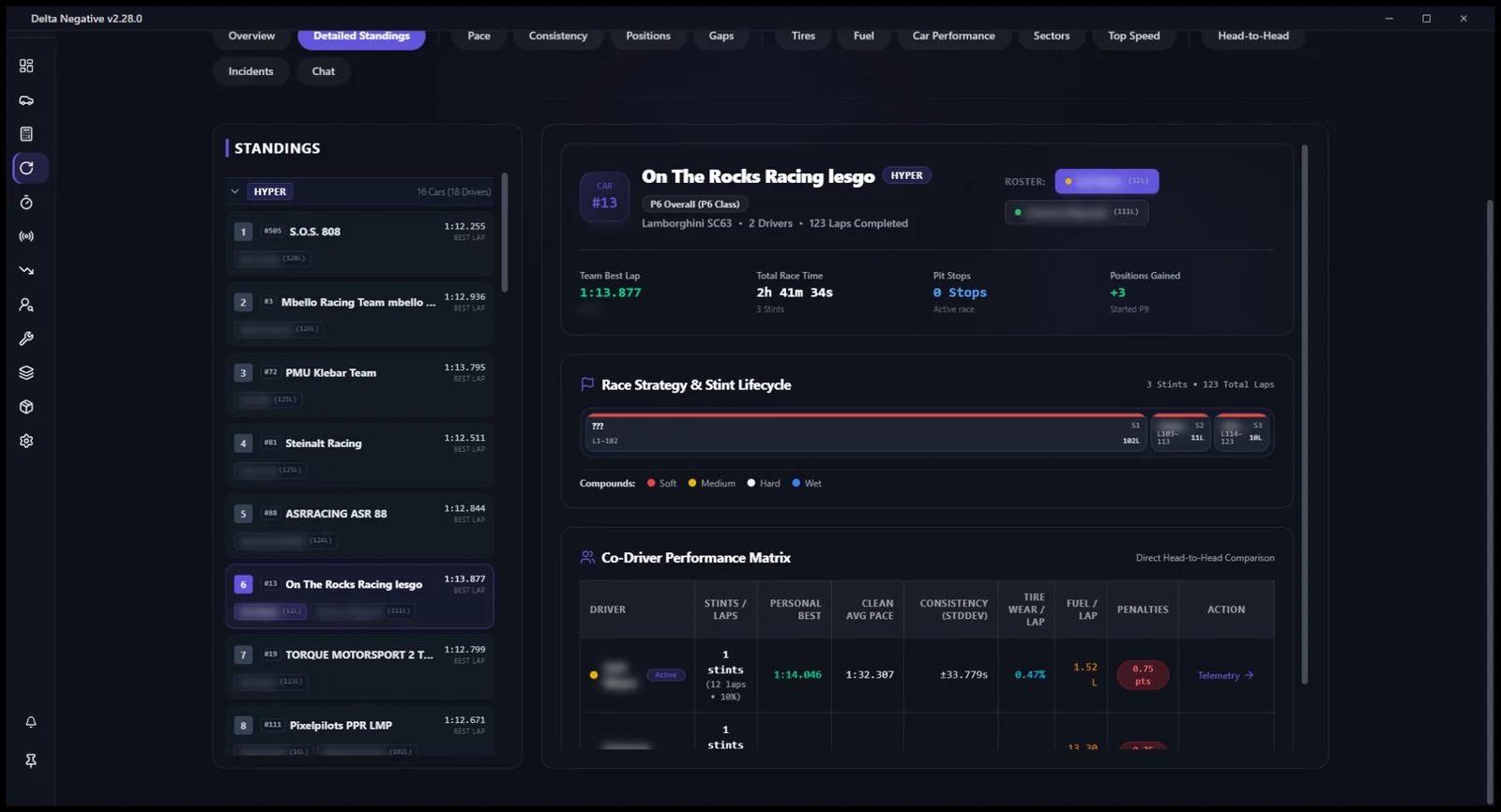
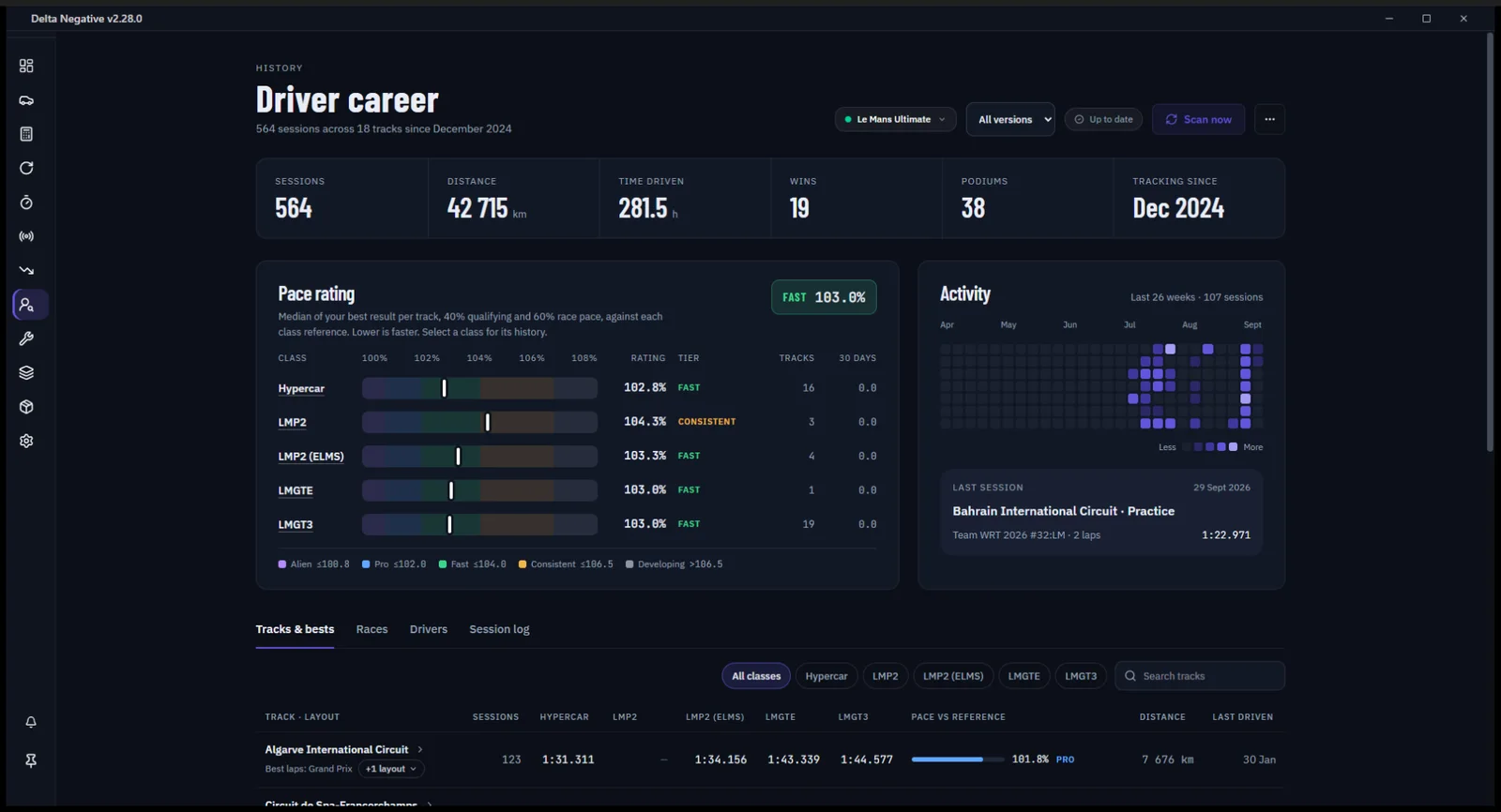
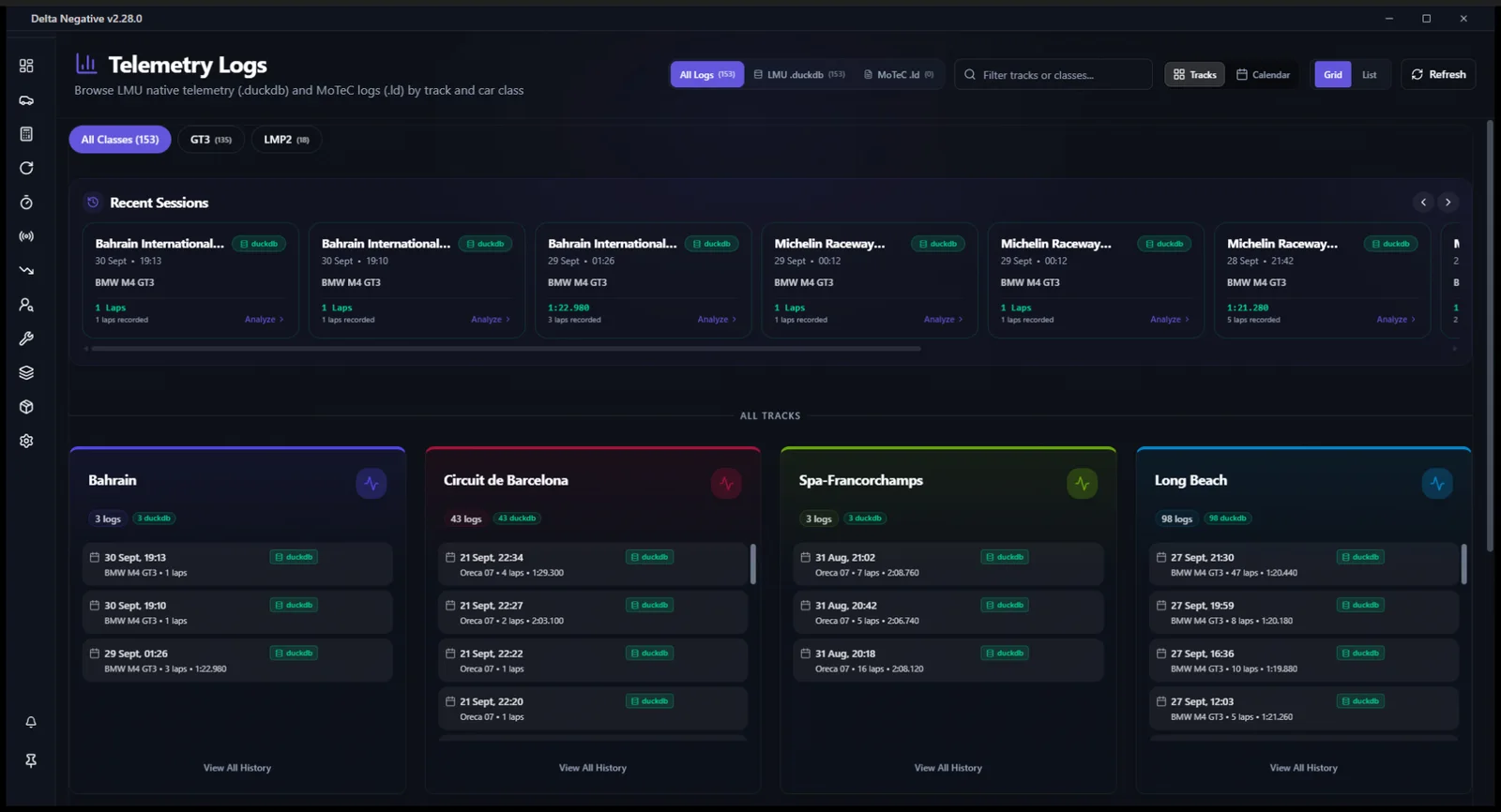
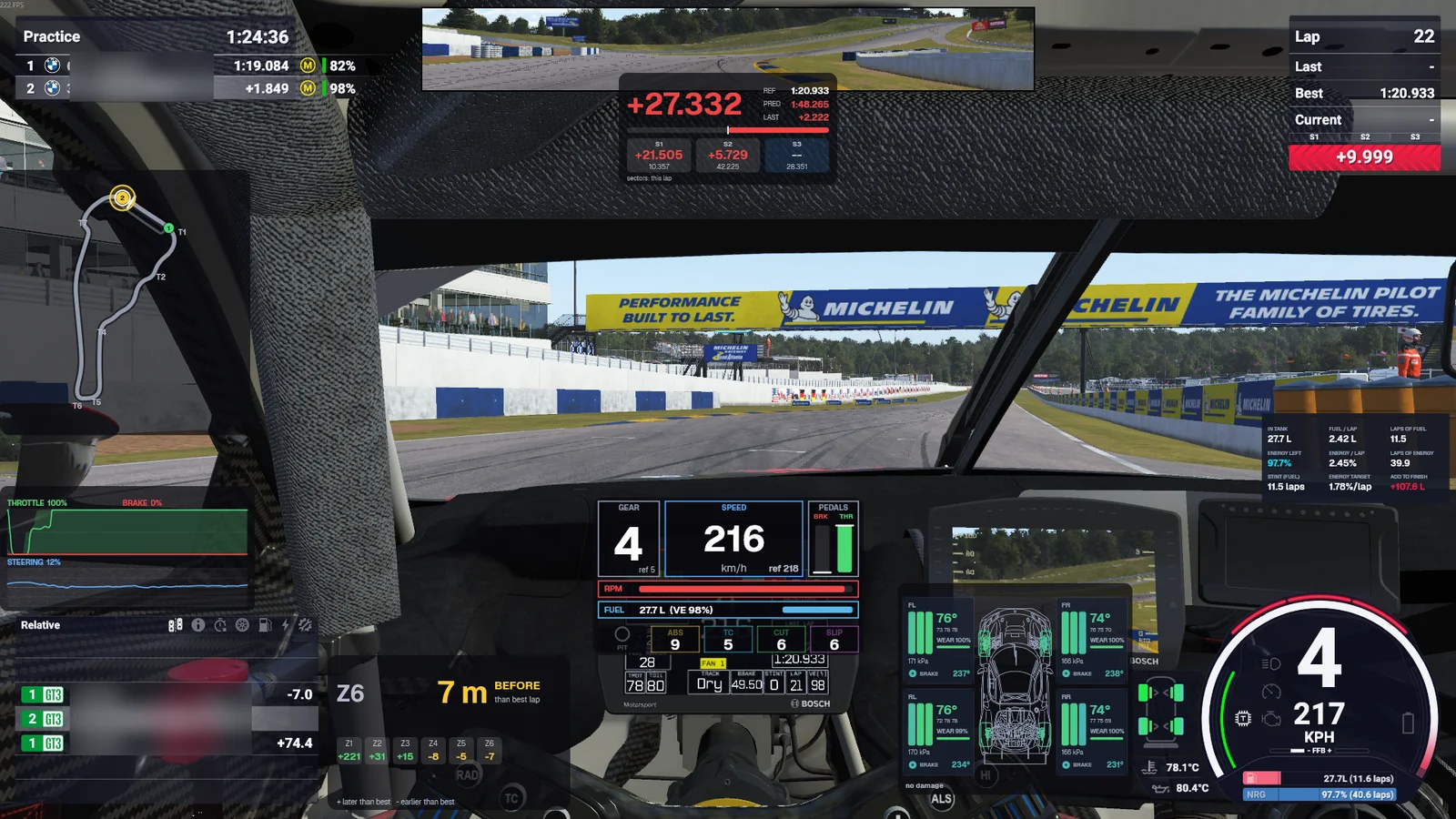
Real screens from the app.
Only what you need on screen, only when you need it.
Widgets drawn natively over the game, and laid out in the game itself: drag to move, scroll to resize, snap to a grid. Set rules such as hiding in the pit lane or showing only in a race.
Every car, every stint, every lap.
Open any race to see stints, tyre compounds, co-driver comparisons, pace, consistency, positions and gaps for the whole field.
Straight to the moment that matters.
Pick a driver, then a lap, a sector or one of hundreds of incidents, and the game jumps there in the replay.
A season in a few clicks.
Start from an official calendar or your own, set the weekend format and the weather rules, and export the result.
A plan you can read.
Laps, fuel, energy and every pit stop for any race length, using fuel per lap learned from your own sessions.
Your pace, class by class.
A pace rating per class, best laps by track, your race results and a full session log, built from the sessions on your PC.
Your data stays on your PC
Setups, telemetry, history, replays and the lap library are never uploaded.
Read from the game directly
Live timing comes from the game's shared memory and its own API, so there is nothing to set up in the sim.
Your install is left alone
Sessions are staged through the game's API rather than by editing its files.
Free to use. Premium when you want more.
No account and no connection needed
Full Premium
365 days, paid once
One payment